Terminal-First Task Management with the ud CLI
If you spend most of your day in a terminal, switching to a browser tab just to log a task or check what's on your plate is friction you don't need. The ud CLI was built to eliminate that context switch. It brings the full power of UnDercontrol — task CRUD, notes, querying, kanban boards — into your shell, and it follows a command structure you already know.
kubectl-style Commands, Because It Works
The CLI uses the same verb-resource pattern that made kubectl feel intuitive to so many engineers. You get, describe, apply, and delete resources. No new mental model required.
# List all tasks
ud get task

# Show full details on a task (short ID prefix supported)
ud describe task 3de9f82b

# Create or update from a markdown file
ud apply -f task.md

# Delete a task
ud delete task abc123
The apply command deserves a highlight. Your task is a markdown file with YAML frontmatter. If the file has an id field, it updates the existing task. No id? It creates a new one. This makes bulk updates, scripted workflows, and version-controlled task definitions straightforward.
echo '---
title: Write release notes
status: in-progress
tags:
  - release
deadline: 2026-04-10
---

Draft the changelog and update the docs site.' | ud apply -f -
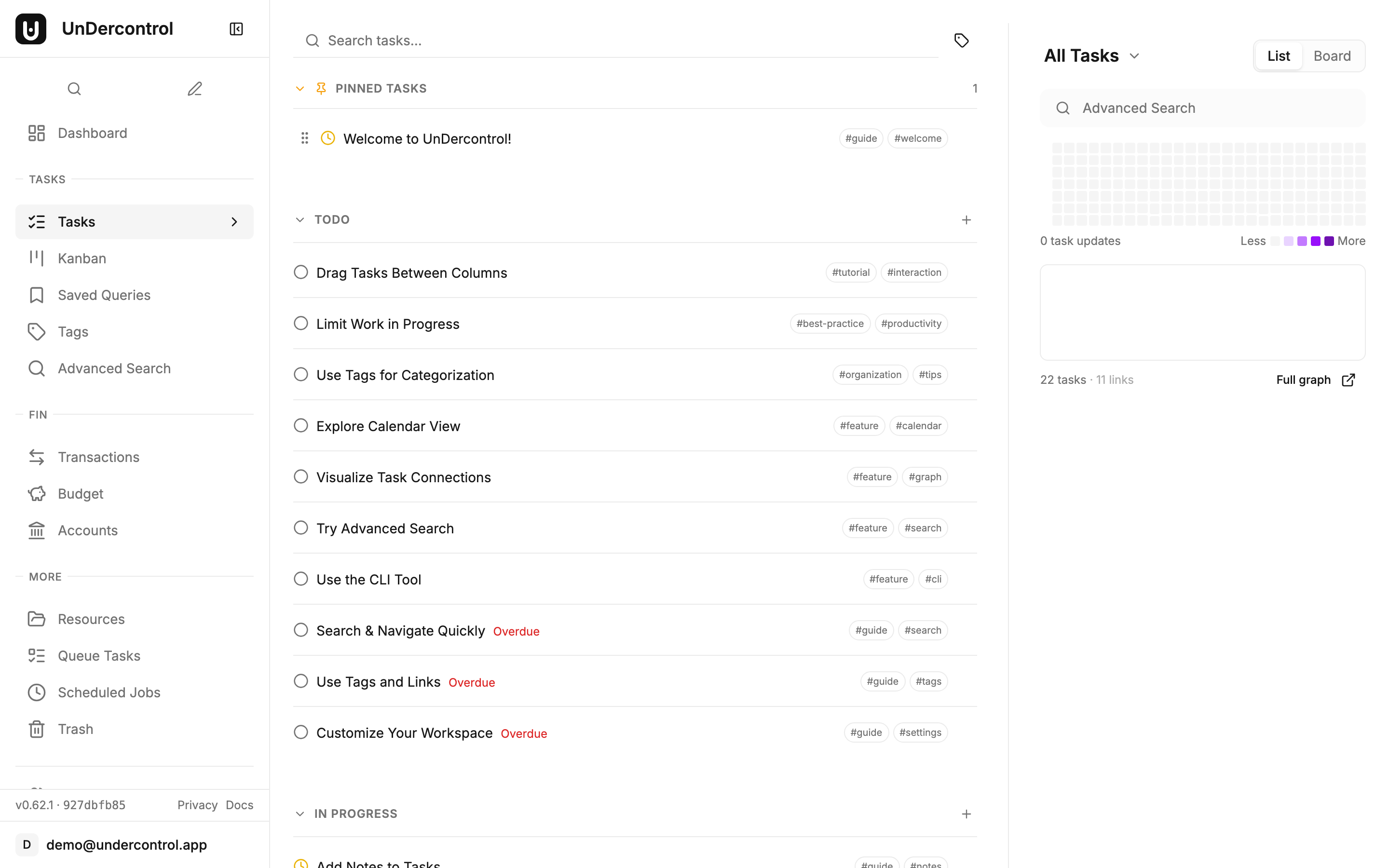
Query Syntax That Actually Filters
ud task query gives you a SQL-like filter language over your tasks. It is useful when you have enough tasks that "scroll through the list" stops being a real strategy.
# Tasks with a deadline this week
ud task query "deadline BETWEEN 'today' AND '+7d'"

# Active tasks tagged urgent
ud task query "(status = 'todo' OR status = 'in-progress') AND tags = 'urgent'"

# Title search
ud task query "title ILIKE '%api%'"
If you would rather not think about syntax at all, ud task nlquery accepts plain English and translates it via AI:
ud task nlquery "show me overdue tasks"
ud task nlquery "tasks tagged with work that are not done"
Both commands accept --sort, --order, and --limit flags for pagination and ordering, so they compose cleanly into scripts or shell aliases.
Notes as a Progress Log
Every task supports notes — short freeform entries that act as a running log. This is useful for tracking what you actually did, not just the end state.
ud task note add 3de9f82b "Finished the backend changes, opening PR now"
ud task note ls 3de9f82b
Notes also make the CLI a natural fit for AI agent workflows. An agent can create a task from a plan file, append progress notes at each step, and mark the task done — all without touching a browser. The human side of the team sees the full history in the UnDercontrol web UI or desktop app. It is a low-ceremony handoff that actually works in practice.
Interactive TUI for When You Want a Visual
Running ud with no arguments opens the terminal UI — a keyboard-driven kanban-style interface with vim bindings.
| Key | Action |
|---|---|
j / k | Move through tasks |
Enter | Open task detail |
i | Create a new task |
x | Toggle status |
/ | Search |
f | File picker (fuzzy search local files to create tasks from) |
The file picker is a nice touch. Press f, fuzzy-search a markdown file in your current directory, and it becomes a task — first line is the title, the rest becomes the description. Useful when you keep notes in a project repo and want them tracked.
Multi-Context for Multiple Servers
If you self-host UnDercontrol across multiple environments — personal, work, a staging instance — the context system handles it the same way kubectl does.
ud config set-context work --api-url https://ud.company.com
ud login --context work

# Use a different context for a single command
UD_CONTEXT=personal ud get task
Config lives in ~/.config/ud/config.yaml. You can also drive the CLI entirely through environment variables (UD_API_URL, UD_API_KEY, UD_TOKEN), which makes it usable in CI pipelines without touching config files.
Getting Started
Install via npm, Homebrew, or a single curl command:
npm install -g @oatnil/ud
# or
brew install oatnil-top/ud/ud
# or
curl -fsSL https://get.oatnil.com/ud | bash
Then point it at your UnDercontrol instance:
ud login
The full command reference — including file attachment, multi-context auth, and advanced query syntax — is in the CLI Reference docs. If you are not running UnDercontrol yet, the self-hosting guide covers getting a server up with Docker in a few minutes.